Use the guided tester to record observations. Browser response measurements are not hardware latency or true USB polling-rate measurements.
Open the controller tester →Identify the model and power system
Controllers do not all use the same battery or charging arrangement. Check the exact model’s manual before choosing a cable, power source or replacement part. A connector fitting physically is not sufficient evidence of compatibility.
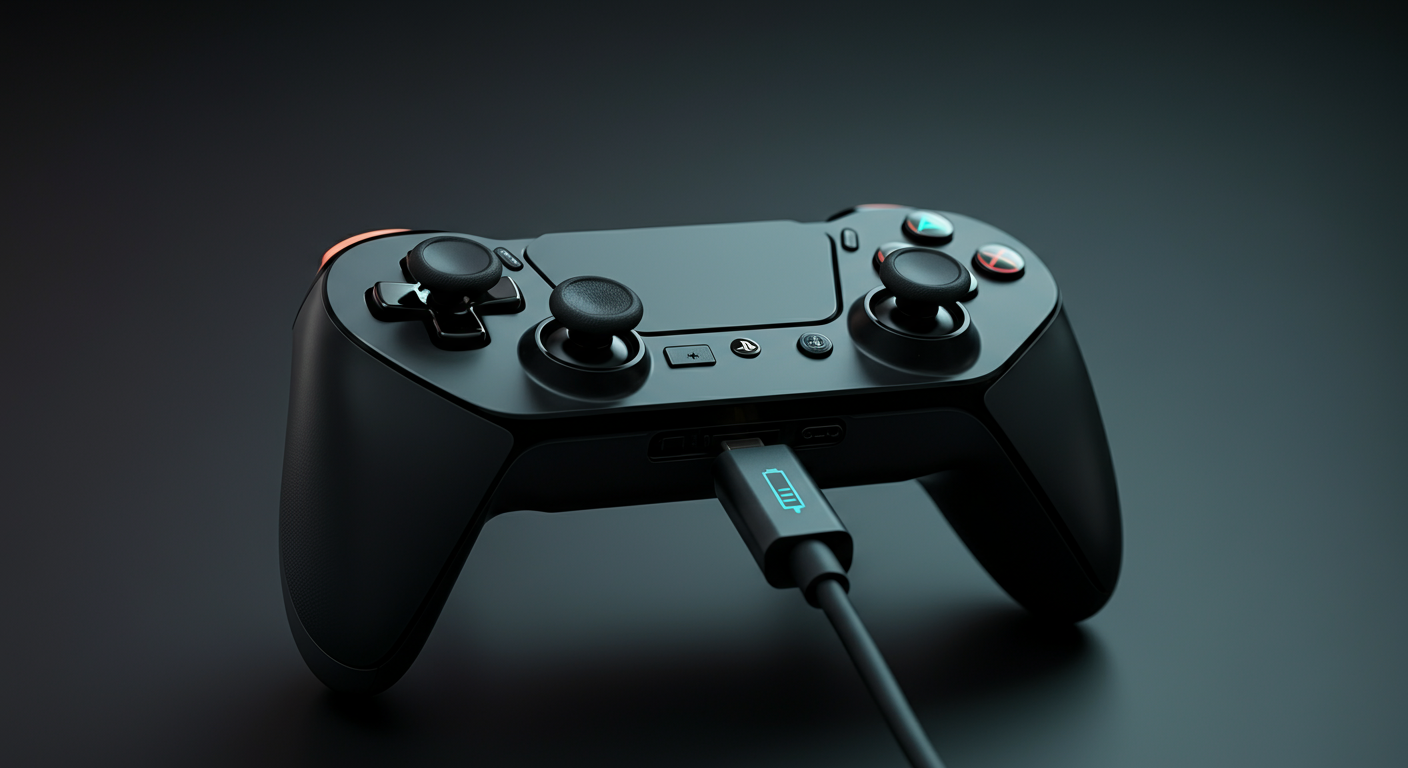
Check charging without forcing the connector
Follow the manufacturer’s supported charging method. Try a known-working compatible cable and power source, one change at a time. Note the indicator behaviour and whether the controller is detected.
Do not repeatedly bend or wiggle a connector to diagnose solder joints. Intermittent charging alone cannot distinguish a cable problem from a port or internal fault. If the port is loose or damaged, seek repair guidance.
Charge level is not battery health
A reported charge percentage is a current estimate. It is not a direct measurement of usable capacity or a diagnosis of cell wear. The browser tester cannot certify battery health.
Compare runtime only under similar settings, use and charging conditions. Record a repeatable pattern instead of declaring a battery defective after one short session. This guide does not supply a universal cycle-life figure or promise that an advertised larger battery will double runtime.
Stop if there are signs of damage
If the device is unusually hot, swollen, leaking or visibly damaged, stop using and charging it and follow the manufacturer’s support instructions. Do not attempt to revive or modify a damaged battery. Heat alone is not proof of a particular internal failure.
Replacement is model-specific
Check warranty and service options before opening a controller. Battery dimensions, voltage, connector and protection requirements must match the exact device. We do not recommend a generic replacement cell or an improvised repair from a browser result.
For DualSense, use Sony’s charging and safety guidance linked below. Advice for another controller needs that manufacturer’s own instructions.
Sources and next steps
Sony: DualSense charging support
DualSense safety and care manual
Troubleshoot detection separately
Try the relevant check and compare your observations with the guidance.
Stick movement · Buttons · Triggers